

Welcome to BlockGPT! This guide will walk you through creating your first AI-generated Minecraft structure. Whether you're a seasoned builder or just starting out, BlockGPT makes it easy to bring your ideas to life.
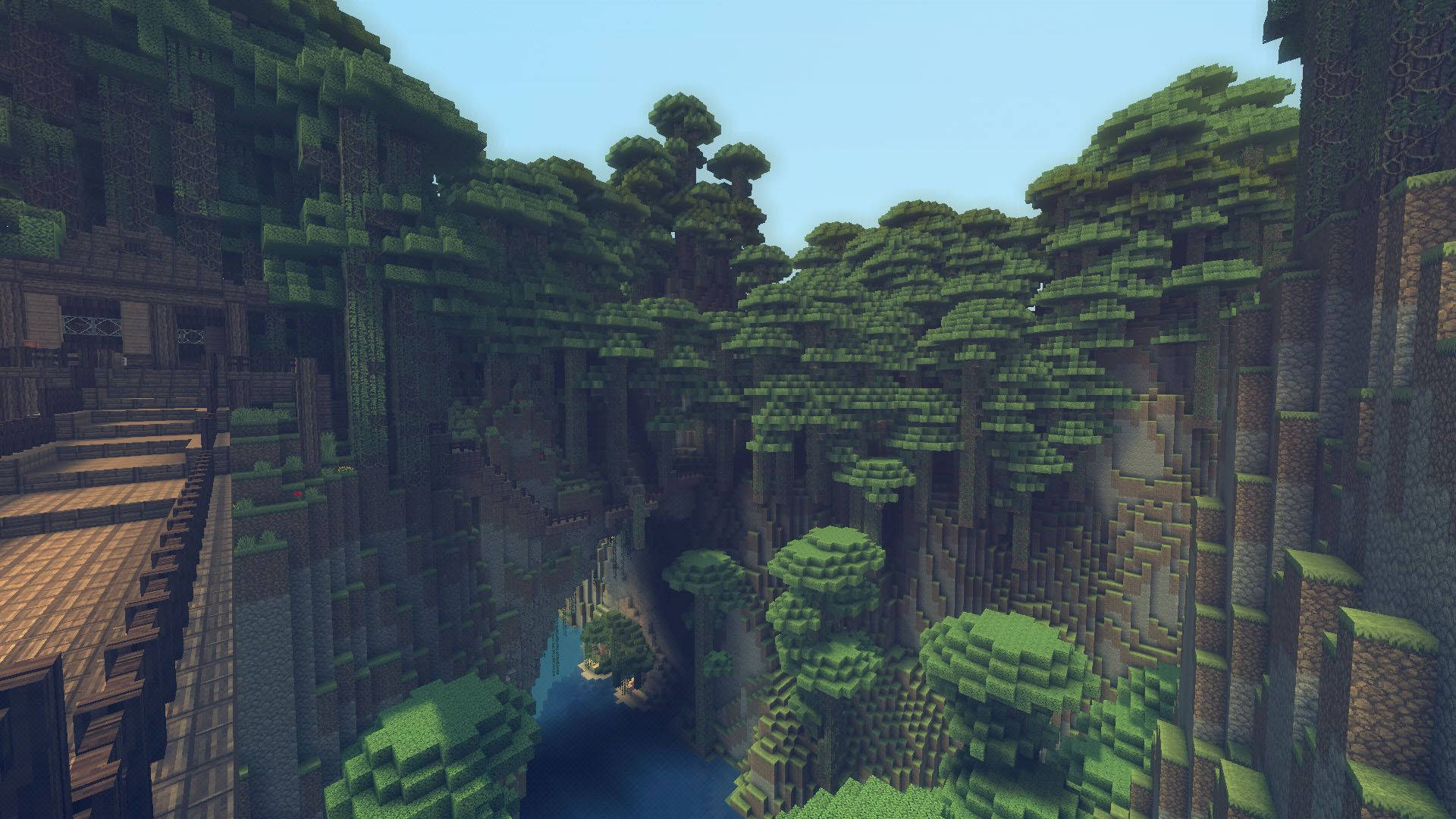
What is BlockGPT?
BlockGPT is an AI-powered tool that transforms text descriptions into fully-realized Minecraft structures. Simply describe what you want to build, and our AI will generate a complete schematic file that you can import into your Minecraft world.
No more spending hours placing blocks one by one. Just describe your vision and let the AI handle the rest. Check out our Gallery to see what other players have created.
What Can You Build?
BlockGPT handles a wide range of structures and creations:
- Buildings - Houses, castles, temples, towers, modern architecture
- Vehicles - Ships, airships, cars, tanks, spacecraft
- Characters - Statues, figures, mobs, people, iconic characters
- Sci-fi & Fantasy - Space stations, futuristic bases, magical towers
- Environments - Farms, villages, landscapes, gardens
Whether you want a medieval fortress, a pirate ship, a Batman statue, or a sci-fi space station, just describe it and BlockGPT will generate it as a usable schematic.
Your First Build
Getting started is simple. Head over to the generator and follow these steps:
- Describe your structure - Be specific about what you want. For example: "A medieval castle with four towers and a drawbridge"
- Click Generate - Our AI will process your request and generate the structure
- Preview your build - See the 3D preview before downloading
- Download the schematic - Get the
.schemfile to import into Minecraft
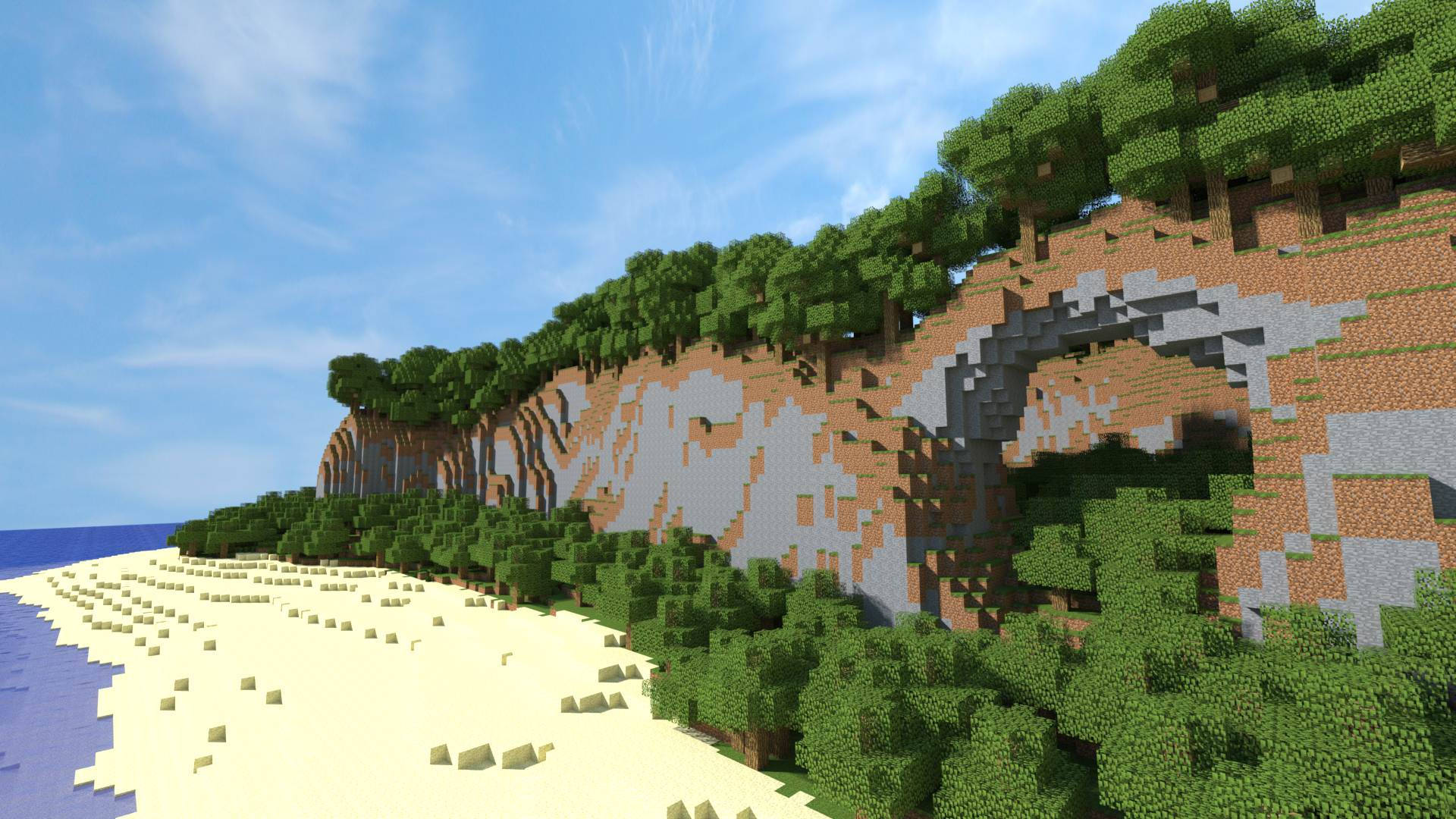
Need a visual walkthrough? Our How-To Guide breaks down every step with screenshots.
Tips for Better Results
Here are some tips to get the best results from BlockGPT:
- Be specific: Instead of "a house", try "a two-story Victorian house with a wrap-around porch"
- Include materials: Mention specific blocks like "made of stone bricks and dark oak wood"
- Add details: Include features like "with stained glass windows" or "surrounded by a garden"
Browse the Gallery to see example prompts that other users have used successfully.
Example Prompts
Here are some prompts to inspire your first builds:
A Japanese pagoda with cherry blossom trees
An underwater dome base with glass walls and coral decorations
A steampunk airship with brass accents and spinning propellers
Free vs Pro
You can try BlockGPT for free with a few preview builds a day, no account needed. Need more? The Pricing page has the paid plans: Basic is 12 builds a month, Standard 50 and Pro 200.
What's Next?
Now that you know the basics, it's time to start building:
- Generate your first build - Jump right in
- Browse the Gallery - Get inspiration from the community
- View the How-To Guide - Detailed walkthrough with tips
- Check Pricing - See Pro features
Keep Learning
Ready to go deeper? Check out these guides:
- Best AI Generated Minecraft Builds - See what the community has created
- How to Generate Minecraft Schematics Using AI - Learn the full schematic workflow
- How to Turn AI Builds Into Usable Minecraft Worlds - Make your builds gameplay-ready
Ready to create? Start building with BlockGPT - it's free to try!