

AI-generated Minecraft builds look impressive in screenshots. But can you actually play in them? Can mobs spawn correctly? Can players navigate without getting stuck? Will they crash your server?
These are fair questions. Most AI tools produce structures that are decorative at best, pretty shells with no practical use. This guide shows you how to get builds that actually work.
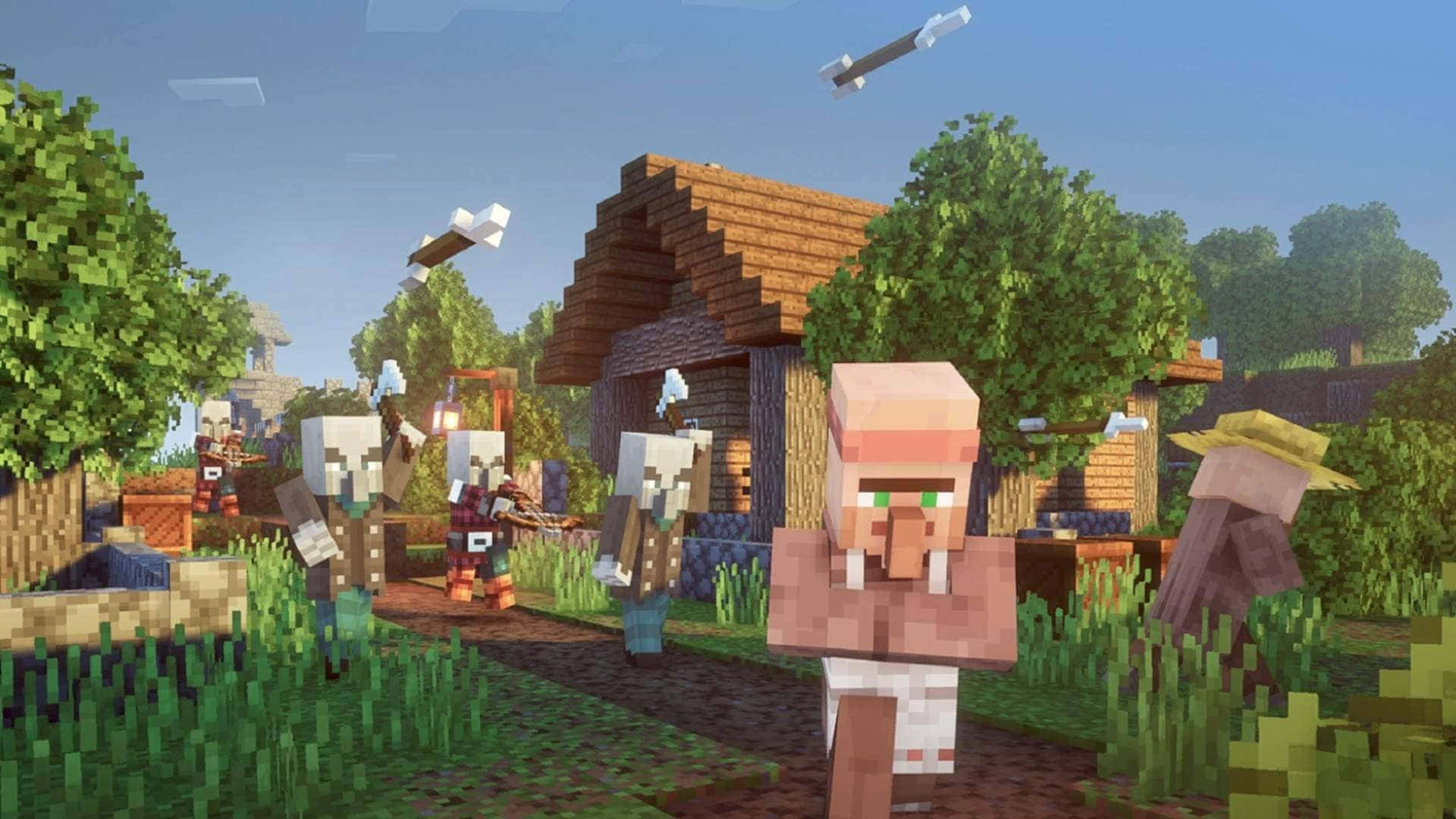
Why Most AI Builds Fail
The problem isn't AI itself. It's what most AI tools optimize for.
Decorative Only
Many AI generators create structures designed to look good in renders. They prioritize visual complexity over function. The result: buildings with no doors, stairs that lead nowhere, rooms too small to enter.
These builds work for screenshots. They don't work for gameplay.
No Gameplay Logic
Minecraft isn't just about aesthetics. A usable build needs:
- Lighting to prevent mob spawns in safe areas
- Pathfinding so villagers and players can navigate
- Proportions that match player scale (2 blocks tall, 1 block wide)
- Access points like doors, ladders, or staircases
AI trained on images doesn't understand these constraints. It sees patterns, not gameplay mechanics.
Performance Issues
Complex builds can tank server performance. Excessive entities, redstone, or chunk-heavy designs cause lag. An AI optimizing for visual impressiveness might generate structures that are unplayable at scale.
What Makes a Build "Usable"
A usable Minecraft build serves a purpose beyond looking good. Here's what to evaluate:
Accessibility
Can players get in and out? Are there:
- Doors or entry points at ground level
- Stairs or ladders between floors
- Hallways wide enough to walk through (at least 2 blocks)
- Ceilings tall enough to stand under (at least 3 blocks)
If players need to break blocks to enter, it's not usable.
Function
Does the build serve a gameplay purpose?
- Storage: Space for chests and organization
- Crafting: Room for workstations
- Farming: Access to water, light, crops
- Defense: Walls, lighting, strategic positioning
A castle that can't be defended isn't a castle. It's a sculpture.
Performance
Will it run smoothly?
- Avoid excessive entities (item frames, armor stands, mobs)
- Limit redstone complexity in frequently loaded chunks
- Consider render distance and chunk boundaries
- Test before deploying to multiplayer
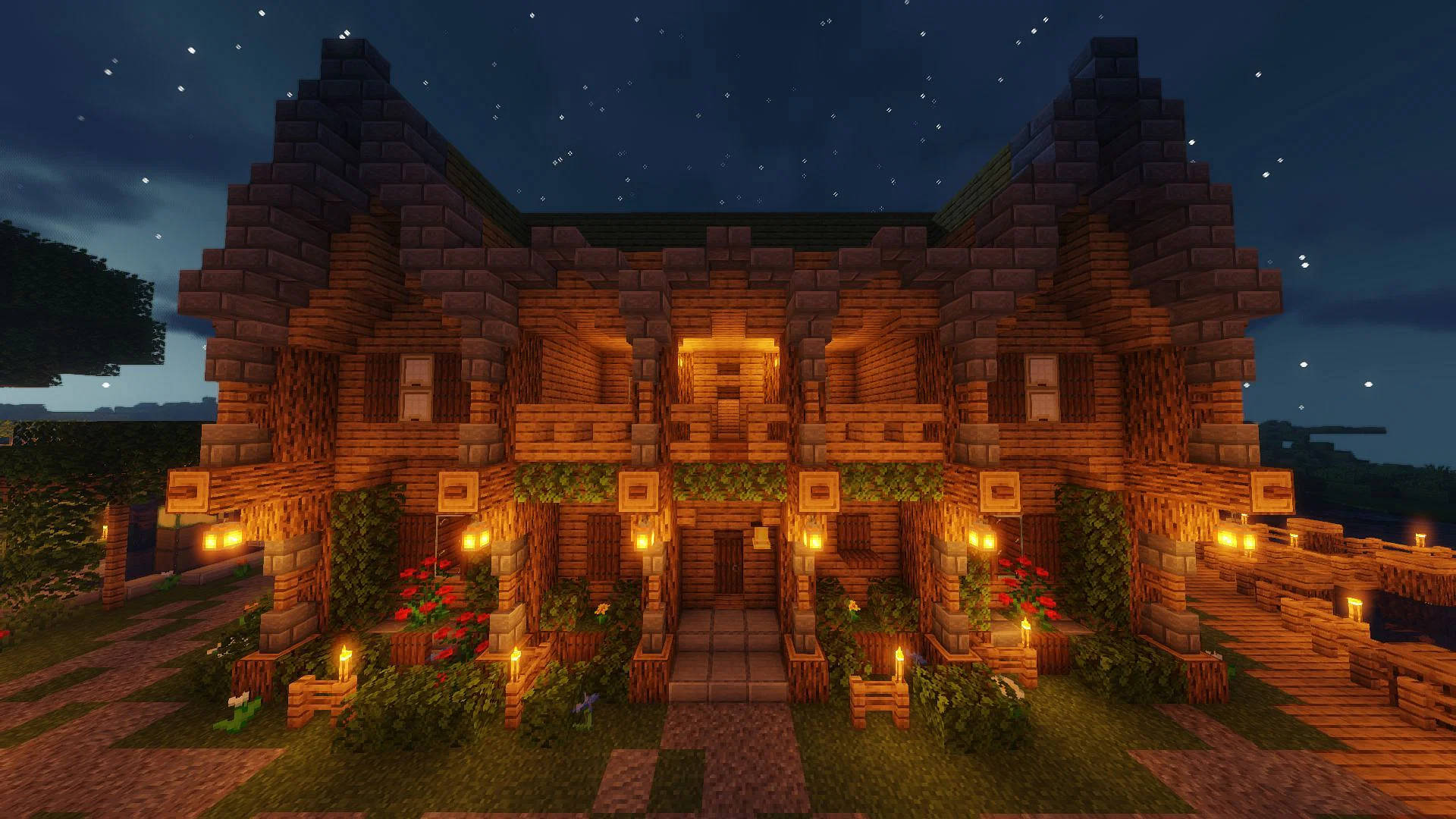
Adapting AI-Generated Structures
AI builds are starting points, not finished products. Here's how to adapt them:
1. Check the Basics First
After importing a schematic, do a walkthrough:
- Can I enter through the front?
- Can I reach every room?
- Are there light sources?
- Is there space for furniture/chests?
Fix access issues before anything else. A beautiful build you can't enter is worthless.
2. Add Lighting
AI rarely places torches or light sources correctly. Walk through at night and note where mobs could spawn. Add lighting until every interior space has a light level of 1 or higher.
For aesthetic lighting, use:
- Lanterns and soul lanterns
- Glowstone hidden behind carpets
- Sea lanterns in floors
- Shroomlights for organic builds
3. Scale Adjustments
AI sometimes gets proportions wrong. Common fixes:
- Ceilings too low: Raise by 1-2 blocks
- Hallways too narrow: Widen to 2-3 blocks
- Doors missing: Add where needed
- Stairs too steep: Replace with standard stair blocks
4. Add Functional Elements
Once the structure is navigable, add what makes it useful:
- Chests and storage systems
- Crafting tables, furnaces, anvils
- Beds for spawn points
- Farms if appropriate
These turn a shell into a base.
Balancing Aesthetics vs Gameplay
You don't have to choose between good-looking and functional. The key is knowing when aesthetics matter and when function comes first.
Prioritize Function For:
- Survival bases: You'll use these daily
- Server spawn areas: Players need to navigate quickly
- Farms and utilities: Efficiency matters
- PvP arenas: Fairness requires careful design
Prioritize Aesthetics For:
- Landmarks: Visible from distance, rarely entered
- Decorative builds: Screenshots and showcases
- Background structures: Fill space without interaction
- Creative showcases: When gameplay isn't the point
Most builds need both. Start with function, then add aesthetic details that don't compromise usability.
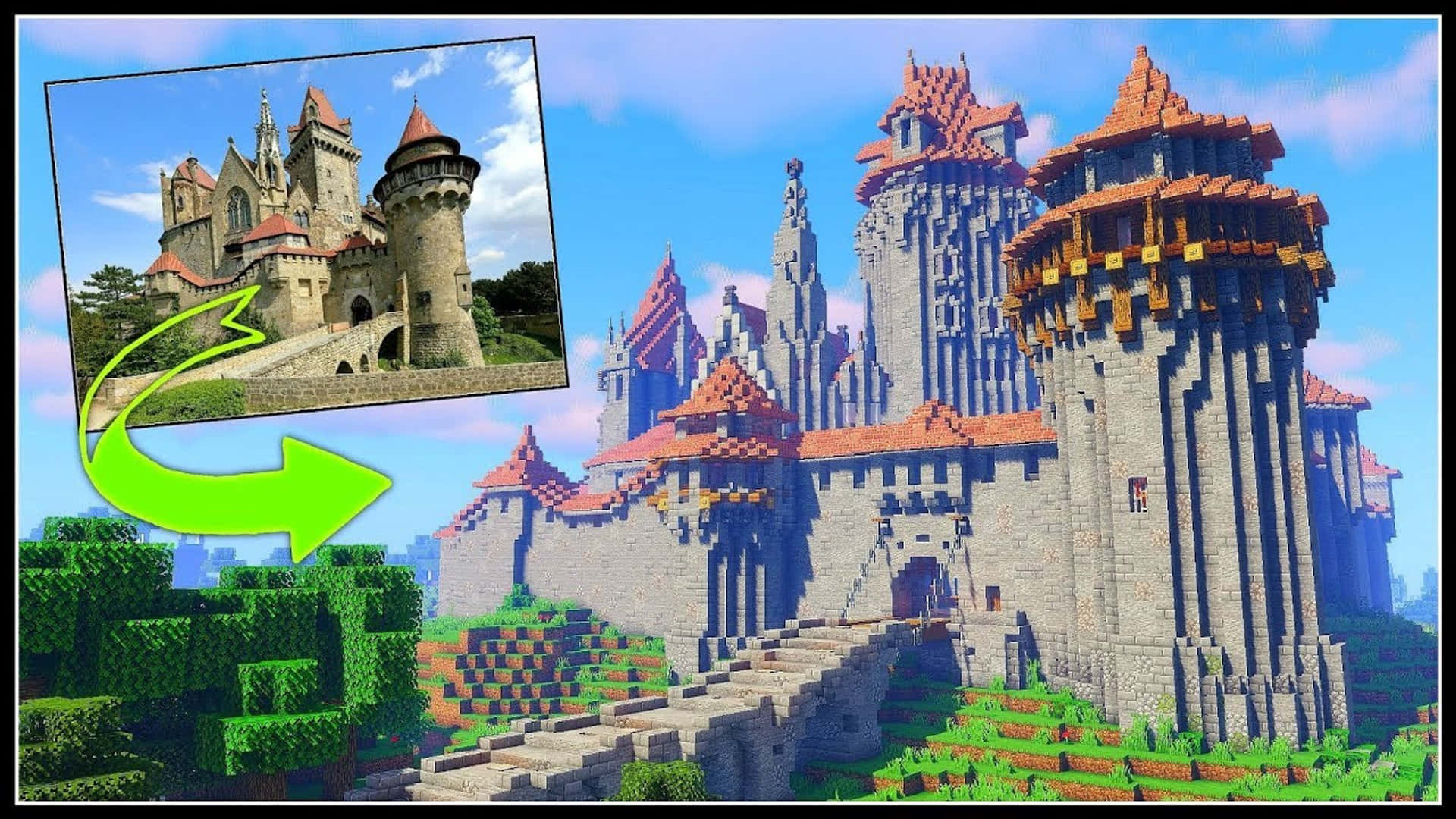
Server and Survival Considerations
Different contexts have different requirements.
Survival Mode
In survival, every block matters. Your build needs:
- Resource efficiency: Can you afford the materials?
- Defendability: Protection from mobs and (on PvP servers) players
- Expansion room: Space to grow as you progress
- Proximity: Close to resources, farms, or other builds
AI builds often use expensive materials liberally. Adapt by substituting:
- Deepslate for obsidian
- Stone bricks for polished variants
- Oak for exotic woods
Multiplayer Servers
Server builds need to consider other players:
- Lag impact: Test in singleplayer first
- Grief resistance: Can it be easily destroyed?
- Navigation: Can new players find their way?
- Chunk loading: Does it work when partially loaded?
Use the generator to create structures, then stress-test before deploying.
Adventure Maps
For adventure maps, usability means guiding players:
- Clear paths and objectives
- Intentional chokepoints and reveals
- Hidden areas that reward exploration
- Balanced difficulty and progression
AI builds can provide the raw architecture. You add the game design.
What AI Can Generate
Modern AI schematic tools like BlockGPT handle far more than basic buildings:
- Architecture - Houses, castles, temples, skyscrapers
- Vehicles - Ships, airships, cars, spacecraft, mechs
- Characters - Statues, figures, iconic characters like Batman or Mario
- Sci-fi - Space stations, futuristic cities, alien structures
- Fantasy - Magical towers, dragon lairs, enchanted forests
- Organic - Trees, landscapes, terrain features
The key is that all of these output as editable schematics. Block data you can modify, not static images.
Best Use Cases for AI Builds
AI-generated structures excel in specific scenarios:
Adventure Maps
Need 50 unique buildings for a city? AI can generate variety faster than manual building. You adapt each for gameplay, but the base structures save massive time.
Check the Gallery for examples of adventure map structures.
Creative Servers
On creative servers where building is the content, AI accelerates iteration. Generate concepts, refine favorites, discard the rest. It's rapid prototyping for Minecraft.
World Population
Filling a world with varied structures (villages, ruins, landmarks) is tedious by hand. AI generates diversity. You curate and adapt the best results.
Learning and Inspiration
Study AI-generated builds to understand construction techniques. How did it create that roof line? What block combinations work? Use AI as a teacher, then apply lessons to your own builds.
Time-Constrained Projects
When you need builds fast for an event, a video, or a deadline, AI removes the bottleneck. Generate, adapt, deploy. The How-To Guide walks through the full workflow.
The Control-First Approach
The difference between usable and unusable AI builds comes down to one thing: access to the underlying structure.
Image generators give you pixels. You can't edit pixels in Minecraft.
Schematic generators give you blocks. You can move, replace, add, and delete blocks. You have control.
This is why BlockGPT outputs .schem files instead of renders. A schematic is a starting point you can adapt. A render is a dead end.
When evaluating any AI building tool, ask: "Can I modify the output?" If not, it's decoration software, not a building tool.
Making AI Builds Work
Here's the practical workflow:
- Generate - Describe your structure in the generator
- Import - Load the schematic with WorldEdit or Litematica
- Evaluate - Walk through and note issues
- Adapt - Fix access, lighting, scale, and function
- Furnish - Add gameplay elements
- Test - Play in it before finalizing
This process takes minutes, not hours. You get the creative output of AI with the functional requirements of real gameplay.
Summary
AI builds fail when they optimize for appearance over function. They succeed when you:
- Start with schematic files you can modify
- Evaluate for accessibility, function, and performance
- Adapt structures for your specific use case
- Add gameplay elements that AI doesn't consider
The goal isn't perfect AI output. It's AI output that accelerates your workflow while you maintain control.
Next Steps
- Try the Generator - Create structures you can actually modify
- View the Gallery - See adapted builds from the community
- Read the How-To Guide - Full workflow with screenshots
- Check Pricing - Up to 200 builds a month on Pro
Related Reading
- Getting Started with BlockGPT - New to BlockGPT? Start here
- How to Generate Minecraft Schematics Using AI - The complete schematic workflow
Ready to generate builds you can actually play in? Start creating with BlockGPT. Describe what you want, download the schematic, and make it your own.